the dashboard
the dashboard is where you set arii up: your servers, your account and everything you make. sign in with discord and it opens on your servers.
your servers
every server you're in, as cards. the ones arii is in open; the others have an add button. you can change a server's settings when you have manage server there or own it.
inside a server: its overview, modules & commands, its library of messages and cards, flows, statistics and tools. pin the modules you use most and they sit in the server's tabs.

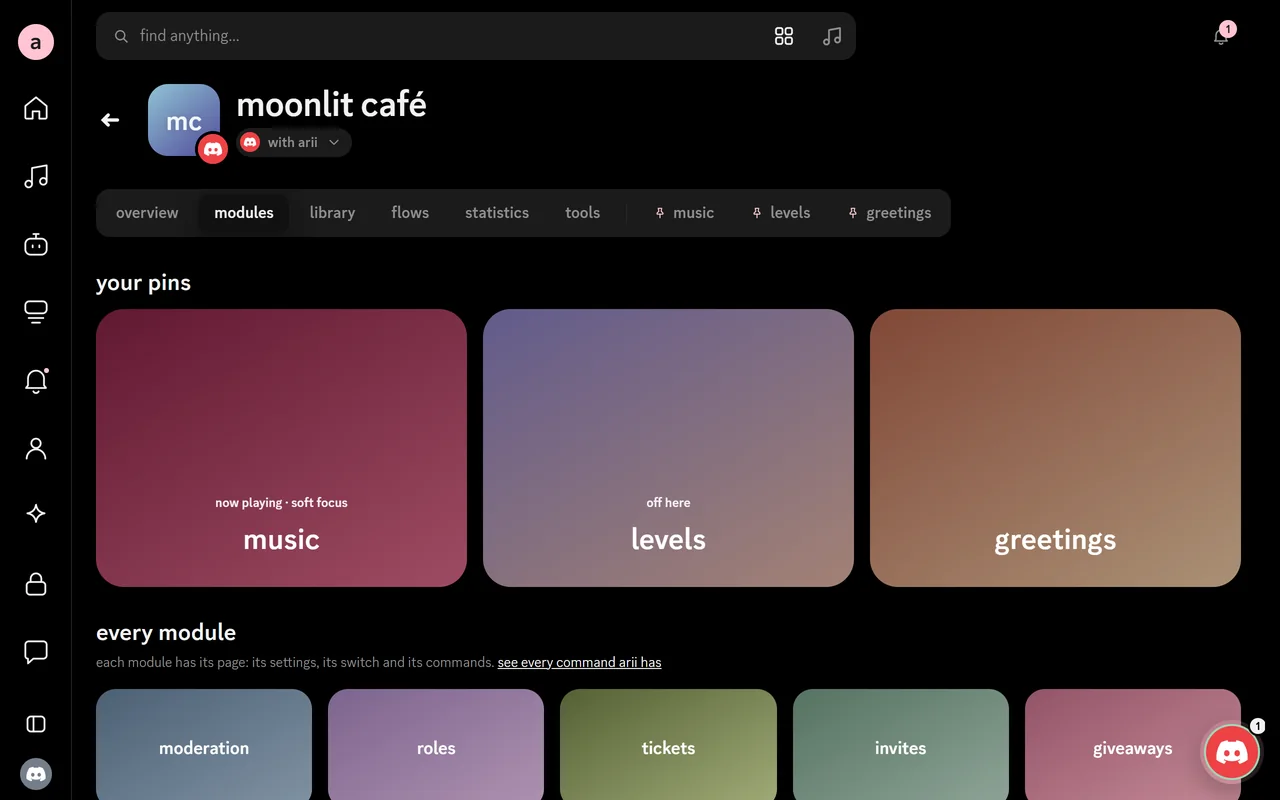
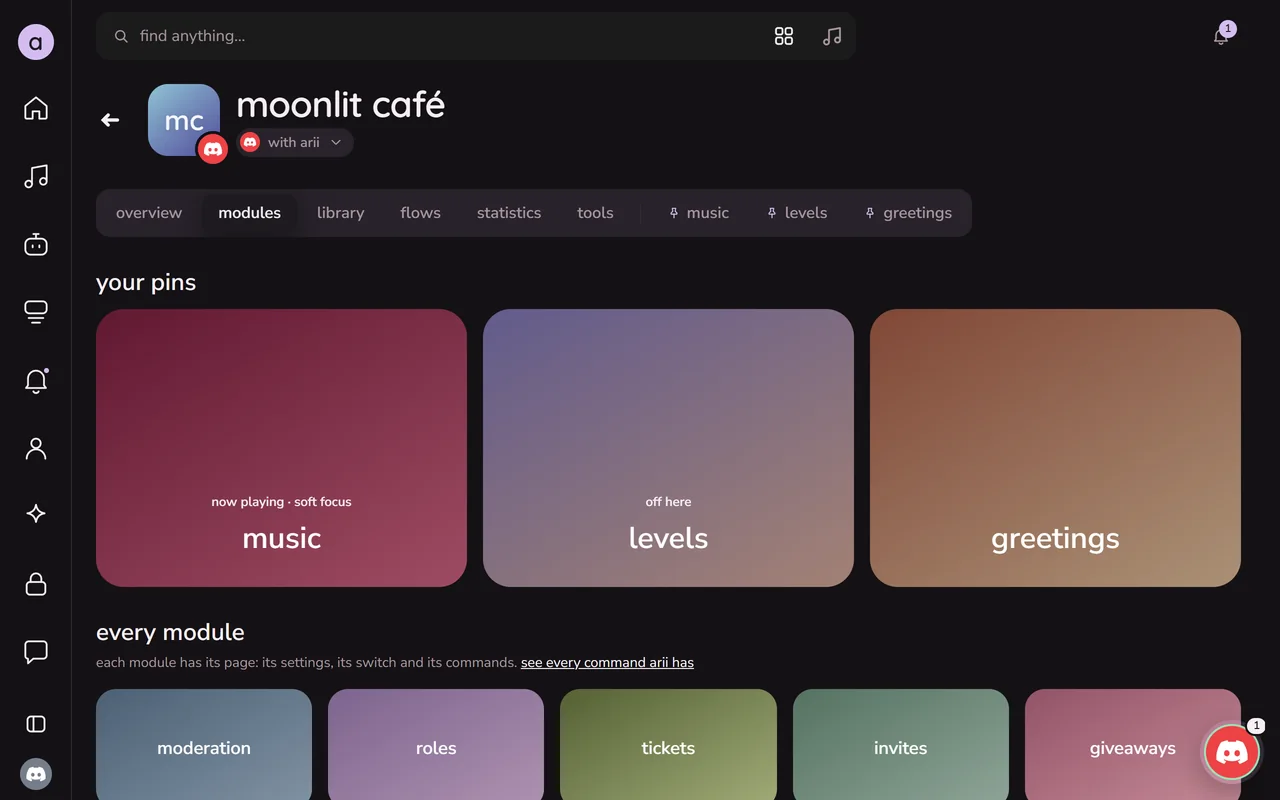
find anything
the search at the top finds servers, modules, settings, songs and pages as you type. it also opens from anywhere with ctrl + k (⌘ + k on a mac).
the orb, the round button in a corner, keeps the shortcuts close: drag it anywhere, and it remembers where you left it.
make it look like yours
account → appearance:
- theme: aes (pure black), stone, moonlight, milk or iris.
- accent: dusk, pink, lilac, sky, sage, sand, mono, or a colour of your own.
- fonts: clean, ink, cloud or petal.
- light or dark: or follow your system's.
- reduced motion, and a layout you can force (always the phone's, or always the computer's).
inside a server, the accent can take that server's colours from its icon.
your account
account holds what's yours: your profile (the public page people see), your library of messages and cards, premium and gifts, language, the apps you connected, privacy (download or delete your data), music (audio quality and where search looks) and safety.
the gear at the bottom of the sidebar opens settings & help: your settings, the docs, the help center and the legal pages in one place.