getting started
arii is the most aesthetic & customizable app on discord: music, your server, and bots of your own. getting it going takes a few minutes ♡
add arii to your server
press add to a server on arii's home page, pick your server and keep the permissions discord shows: arii only asks for what its modules use. you need manage server in that server to add it.
you can also press add to my account. then arii's commands work for you in any server and in your DMs, even where arii hasn't been added.

open the dashboard
sign in with discord. your servers lists every server you're in: the ones arii is in open, and the others have an add button. you can change a server's settings when you have manage server there.
it's yours to dress, too: pick a theme, an accent and fonts in account → appearance.

turn on what you need
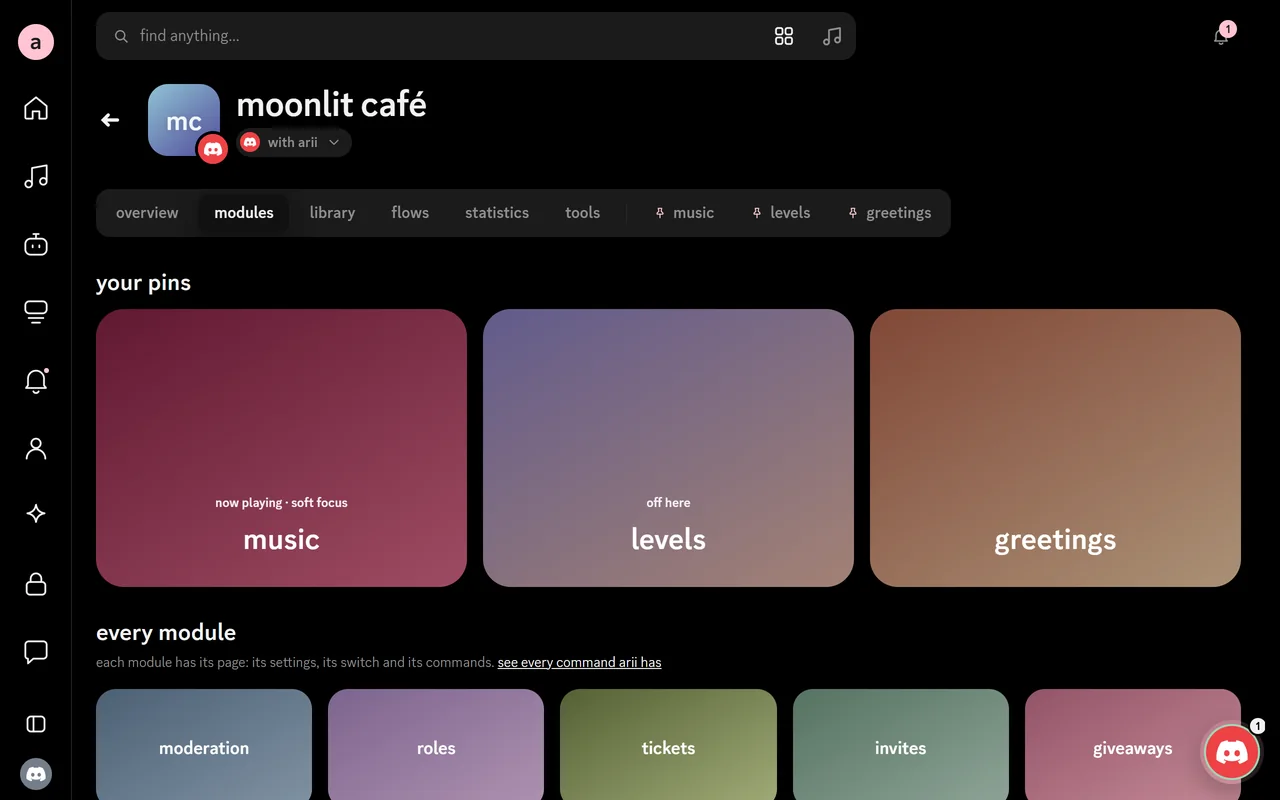
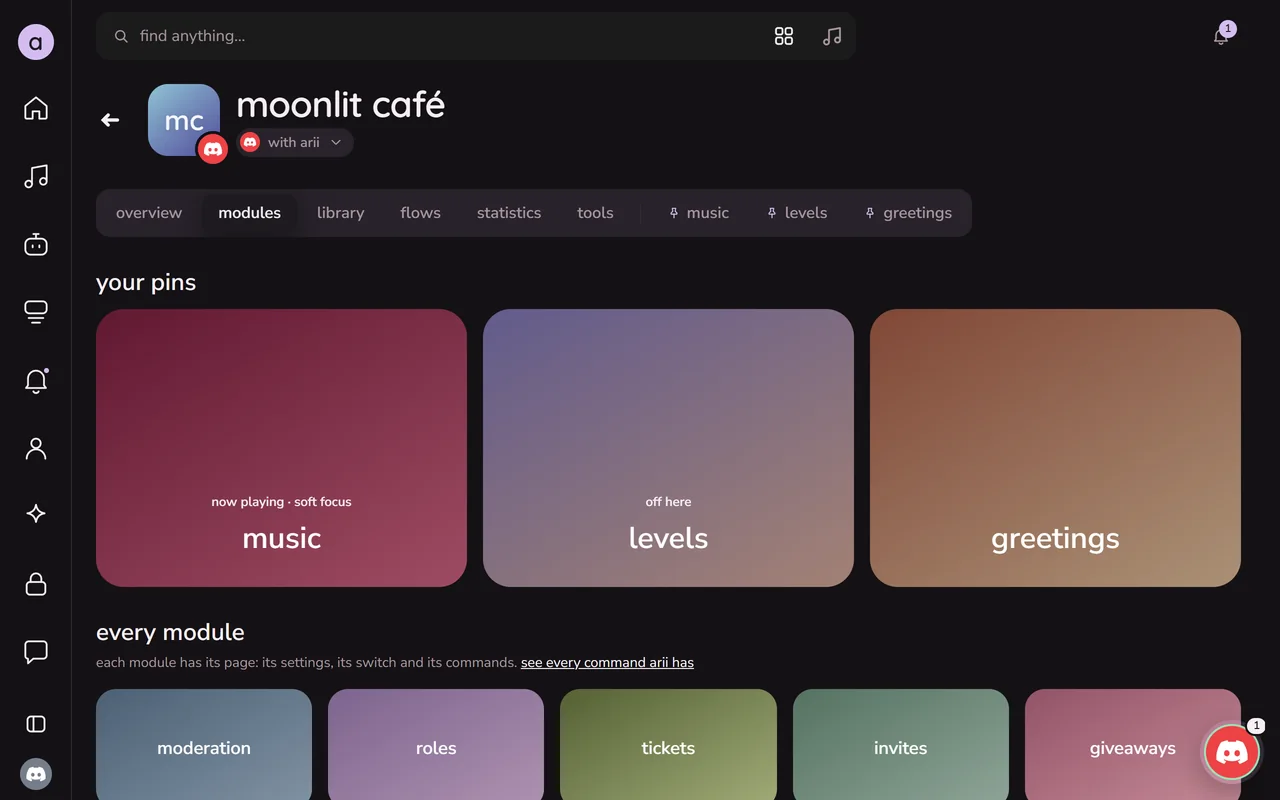
every module is free. open your server, then modules & commands: each module has its own page, with its switch, its settings and its commands.
- commands work as soon as arii joins. switch a module off to put its commands away.
- what arii does on its own (greeting new people, giving levels, keeping logs, the starboard) starts when you switch that module on and pick its channel.
try it: type a name on the picture, and arii's welcome card draws itself for them.
a few commands to try first:

make it yours
- responses: every message arii sends can be rewritten, in your words and your colours.
- bot profile: give arii its own nickname in your server. its own picture, banner and about me there come with premium.
- language and prefix: arii speaks english and spanish. replies only one person sees can follow their own discord language, and prefix commands start with
^until you pick another. - messages, cards and flows: make welcome cards, saved messages and commands of your own in the dashboard, no code needed.

play some music
join a voice channel and use /play with a song, a link or a playlist. arii joins you and posts the player.
everyone in the channel can open the same player on the website, with the queue, the lyrics and the controls.

if something's off
/help in discord shows what arii can do. if something doesn't work, something's wrong has what to check, and questions answers what people ask most. still stuck? ask in arii's support server ♡