something's wrong
when arii doesn't do what you expect, it's almost always one of these. start with the status page: if something's wrong on our side, it says so there first.
arii isn't answering
- it can't see or write there. arii needs view channel, send messages and embed links in that channel. a channel's own permissions can take them away even when the server gives them.
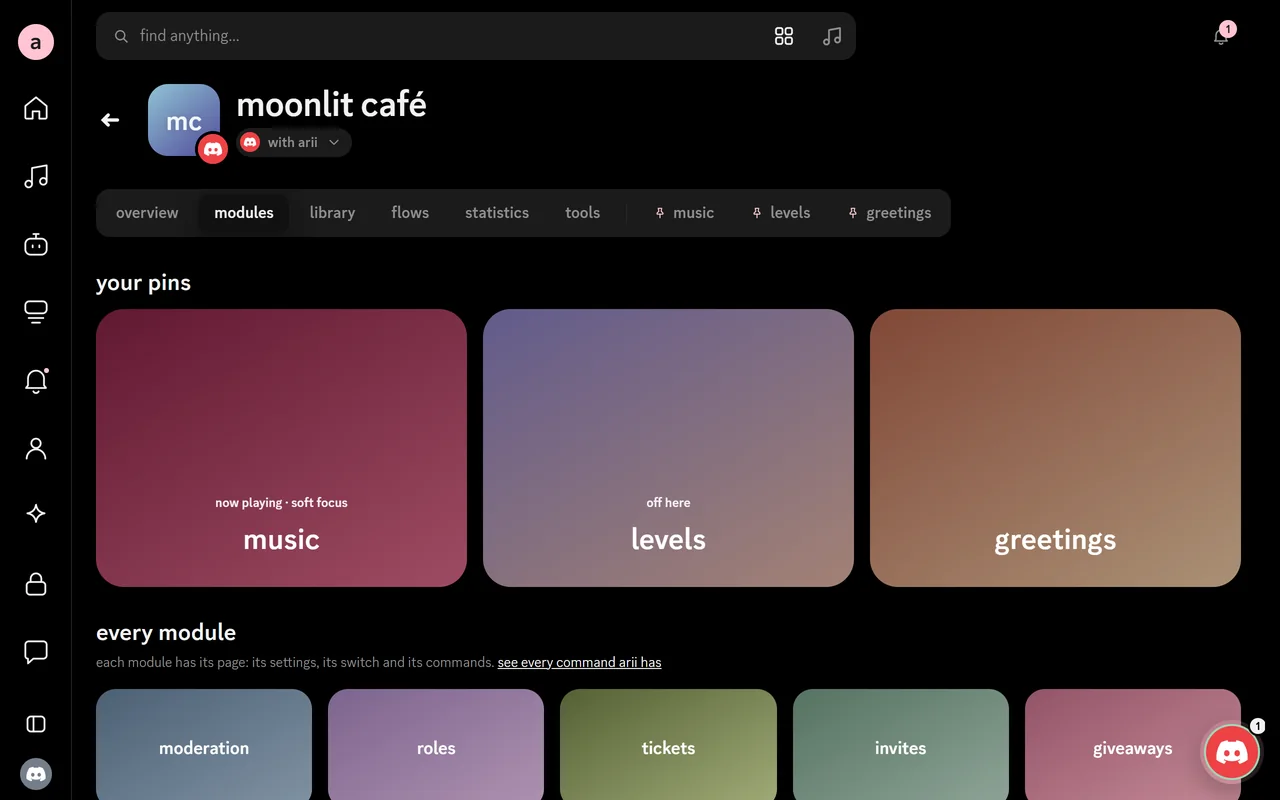
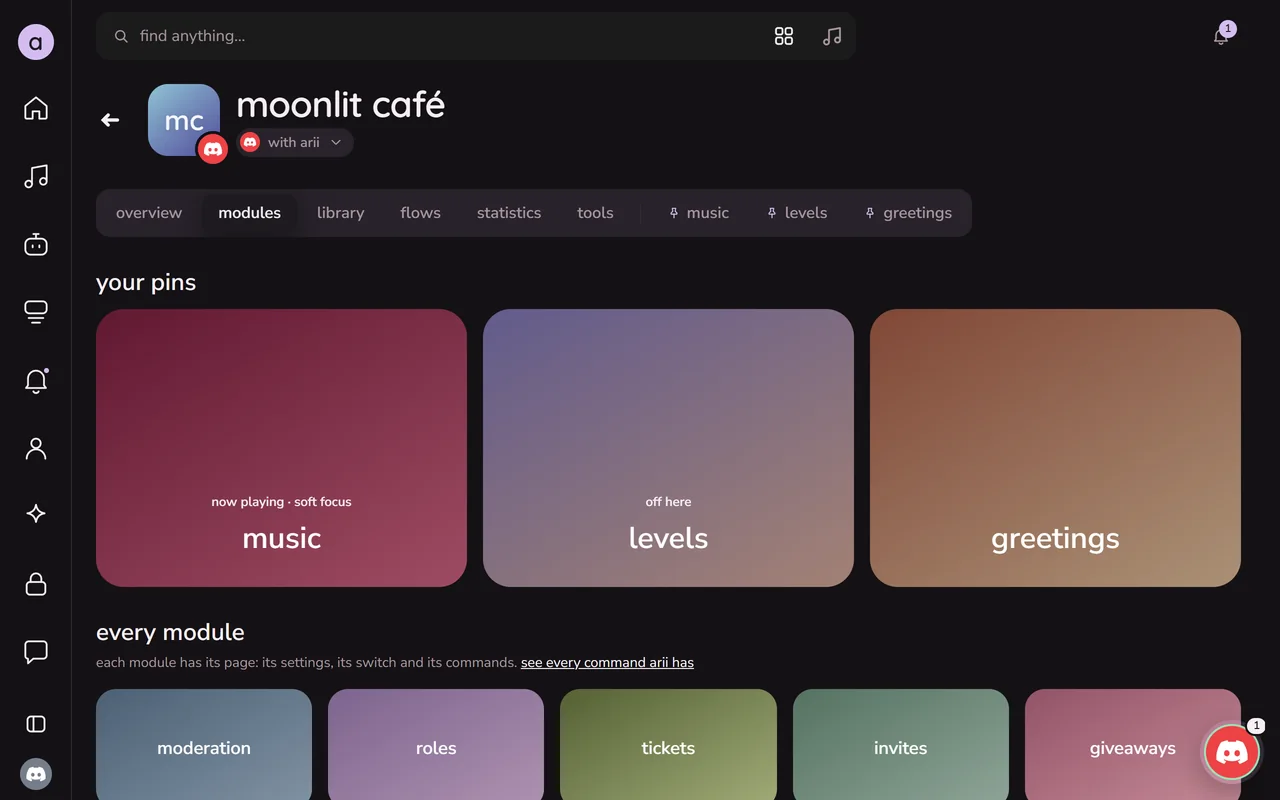
- the module is off. open your server in the dashboard, then modules & commands, and check the command's module is on.
- the commands don't show up. discord can take a moment after arii joins. members also need use application commands in that channel, and server settings → integrations → arii can limit where its commands work.
- prefix commands start with
^unless your server picked another:/settingsshows yours.
the music won't play
- join a voice channel first, then use
/play. arii joins the channel you're in. - arii needs connect and speak in that voice channel.
- a song won't load? some videos are private, age-restricted or blocked where arii plays from. try another link, or search by the song's name.
- the music module has to be on in modules & commands.
a welcome doesn't show
- turn greetings on in your server's dashboard and pick its channel.
- arii needs send messages and attach files in that channel: the welcome card is a picture.
- a bot of your own also needs discord's members intent. its page in the dashboard says when something is missing, and fixes it in one press.
my server isn't in the dashboard
- you can change a server's settings when you have manage server there, or own it. others show as you can't manage this server.
- just joined, or just got the permission? press the refresh button above your servers. if it still doesn't show, sign in again brings discord's list up to date.
still stuck
ask in arii's support server, or write to support@arii.love. it helps to say:
- your server's id (in discord, right-click the server and copy server id; turn on developer mode in discord's advanced settings if you don't see it),
- what you did, and what happened instead,
- a screenshot, if you have one.